> For the complete documentation index, see [llms.txt](https://venzofinance.gitbook.io/venzofinance-docs/llms.txt). Markdown versions of documentation pages are available by appending `.md` to page URLs; this page is available as [Markdown](https://venzofinance.gitbook.io/venzofinance-docs/venzo-app/getting-started.md).

# Getting Started

To begin your journey with Venzo and access institutional-grade structured products, follow this quick guide to investing.

{% stepper %}
{% step %}

#### Connect Your Wallet

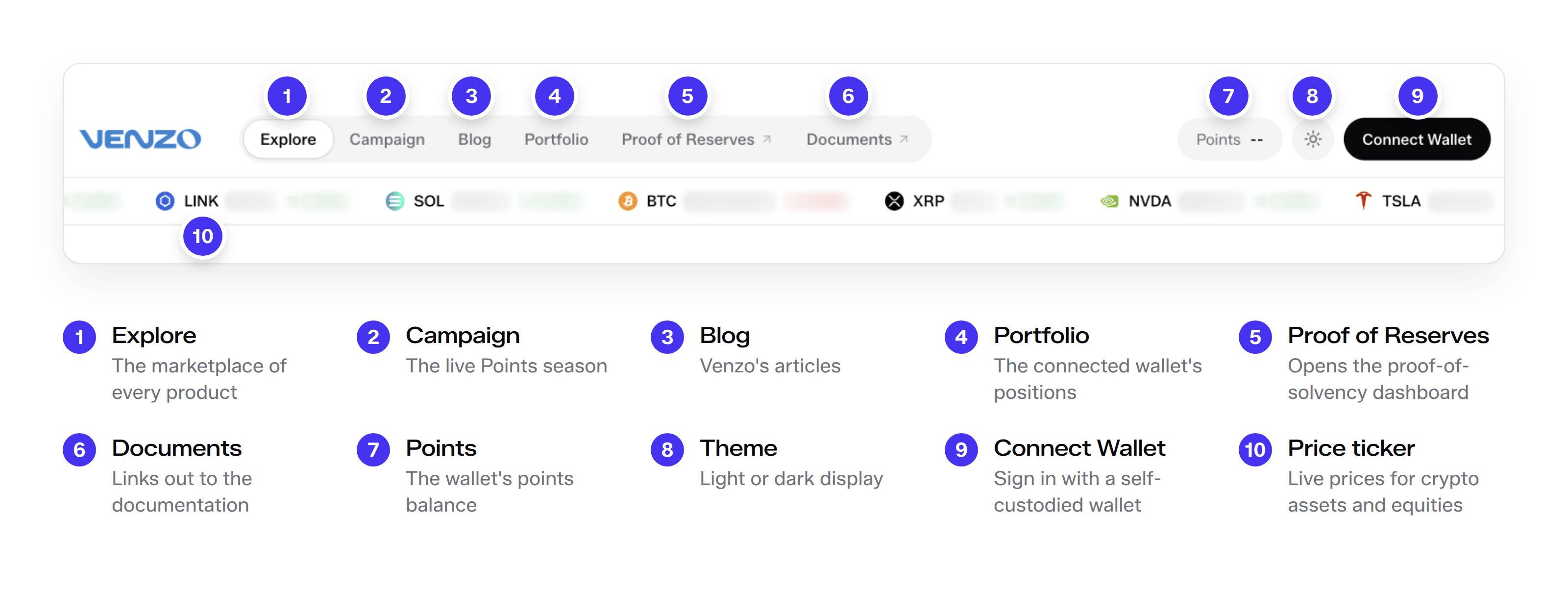
Navigate to the Venzo app at [app.venzofinance.com](https://app.venzofinance.com). Click the "Connect Wallet" button in the top right corner to link your Web3 wallet (such as MetaMask, Rabby, or WalletConnect).

Upon your first visit, you will be prompted with an Acknowledgments modal. You must review and agree to Venzo's Terms of Use, Risk Statement, and geographic restrictions. Note that Venzo serves as a technology provider and interface, and products are not intended for individuals in restricted jurisdictions.
{% endstep %}

{% step %}

#### Explore Opportunities

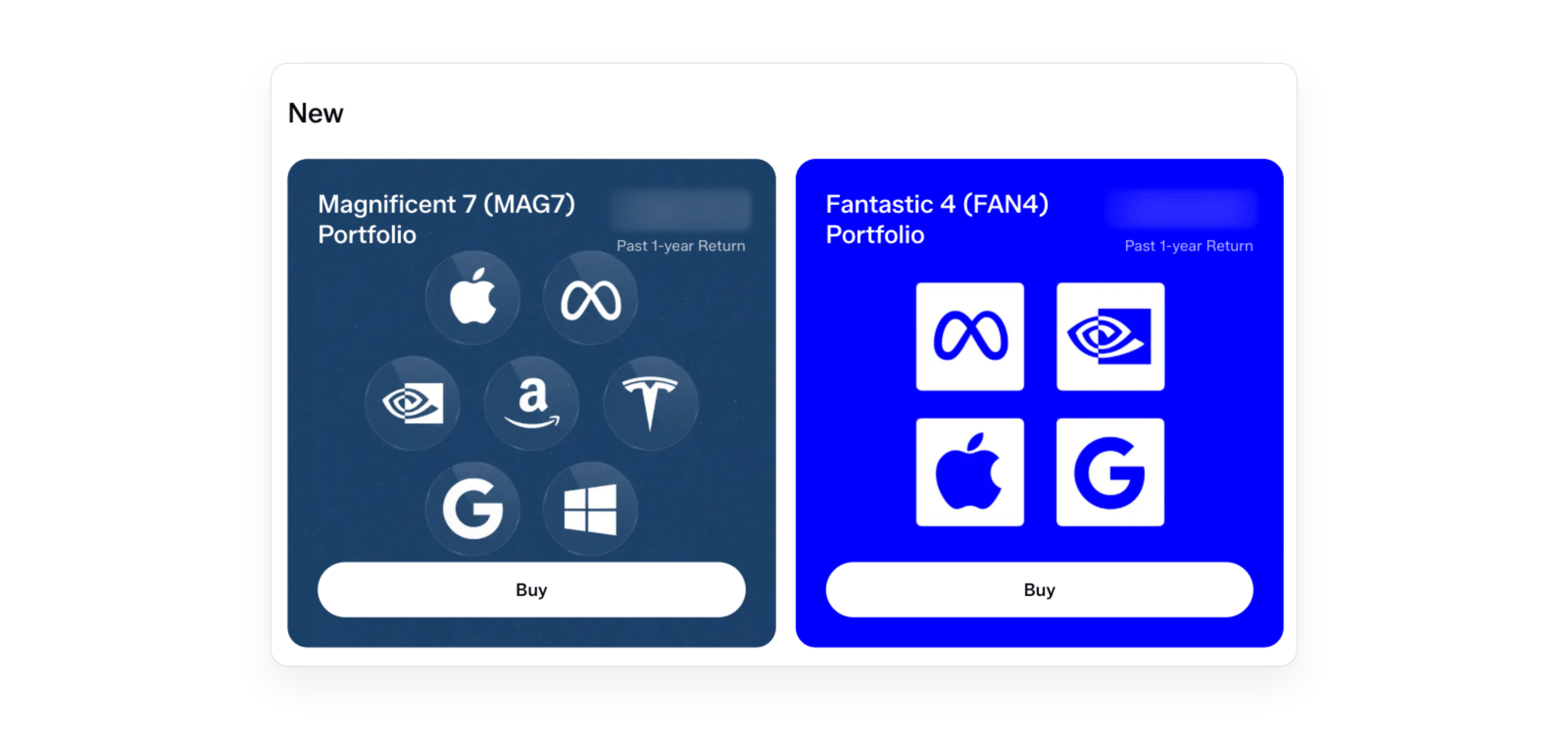
The Earn dashboard prominently features the curated list of available structured products. You can filter these opportunities by:

* **Strategy Type:** Market Neutral, Fixed Rate, RWA, or All
* **Liquidity Profile:** Weekly, Monthly, or All

Each listing displays the vault name, total value locked (TVL), expected net APY/APR, and liquidity terms.
{% endstep %}

{% step %}

#### Review Vault Details

Clicking on a specific vault, such as the *Delta-Neutral Prime USD*, opens its detailed strategy page. Here you can review:

* **Performance:** Historical charts tracking Share Price, APR, PnL, and TVL over various timeframes (7D, 30D, 90D, All).
* **Strategy Breakdown:** An in-depth explanation of how the yield is generated, the underlying sleeves, and the asset managers involved.
* **Vault Info:** Key parameters including supported networks, management fees, performance fees, and the withdrawal duration window.
  {% endstep %}

{% step %}

#### Deposit and Simulate Yield

On the vault page, use the Deposit panel to allocate capital.

* Input your desired stablecoin amount (e.g., USDC) or use the quick-select percentages.
* The interface will display exactly how many vault share tokens (e.g., `aprimeUSD`) you will receive.
* Utilize the Estimated Yield simulator to project potential returns over 1-month and 1-year horizons based on current rates.
* Confirm the transaction in your wallet to complete the deposit.
  {% endstep %}

{% step %}

#### Monitor Your Portfolio

Navigate to the **Portfolio** tab to track your positions across all Venzo vaults. The Overview section provides a comprehensive view of your total deposits, earned yield, and a Profit and Loss chart, allowing you to manage your investments from a single dashboard.
{% endstep %}
{% endstepper %}


---

# Agent Instructions
This documentation is published with GitBook. GitBook is the documentation platform designed so that both humans and AI agents can read, navigate, and reason over technical content effectively. Learn more at gitbook.com.

## Querying This Documentation
If you need additional information that is not directly available in this page, you can query the documentation dynamically by asking a question.

Perform an HTTP GET request on the current page URL with the `ask` query parameter, and the optional `goal` query parameter:

```
GET https://venzofinance.gitbook.io/venzofinance-docs/venzo-app/getting-started.md?ask=<question>&goal=<endgoal>
```

`ask` is the immediate question: it should be specific, self-contained, and written in natural language.
`goal` is optional and describes the broader end goal you are ultimately trying to accomplish on behalf of the user. GitBook uses it to tailor the answer towards what is most useful for that goal.

The response will contain a direct answer to the question and relevant excerpts and sources from the documentation.

Use this mechanism when the answer is not explicitly present in the current page, you need clarification or additional context, or you want to retrieve related documentation sections.